YOU'RE IN
We made you an account linked to your Twitch channel.
Drop your email so you can manage your account.
Drop your email so you can manage your account.
Already have an account? Sign in here

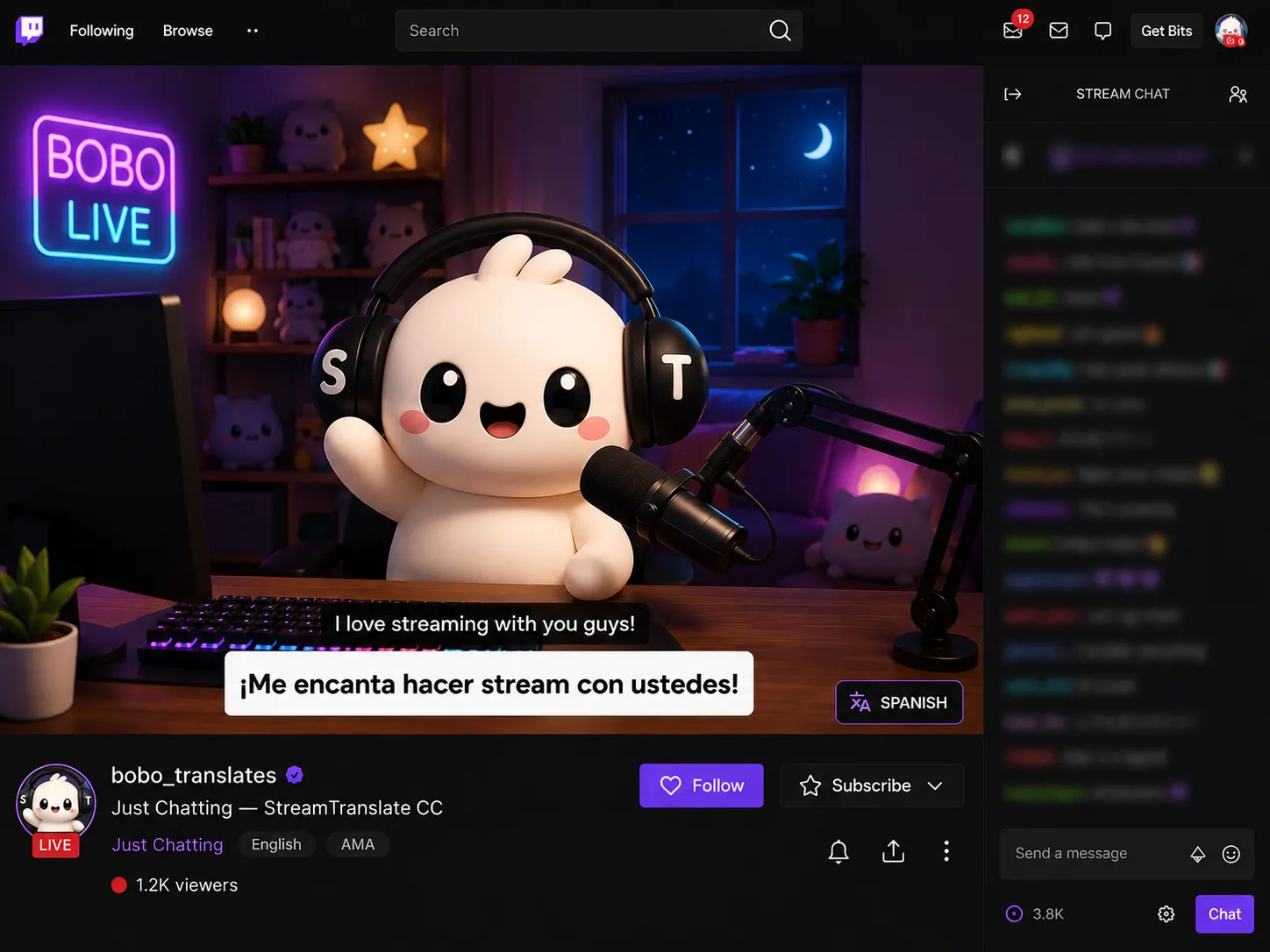
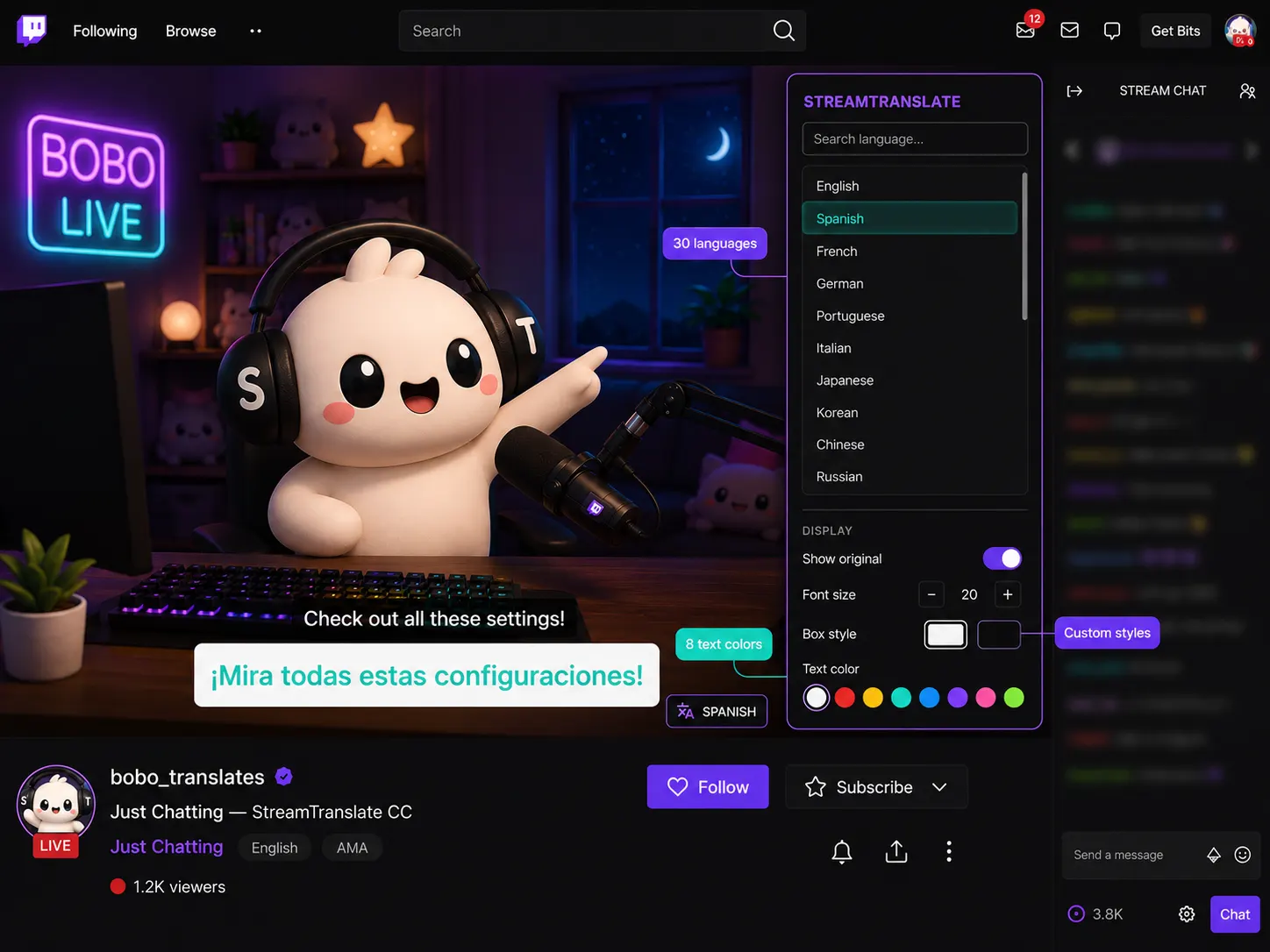
Nope. Viewers see subtitles automatically through the Twitch extension panel — no downloads, no setup. They can pick their language, change font size, and customize colors right from the panel.
30+ with many more coming soon. Your viewers can each pick their own language independently — so one viewer watches in Spanish while another watches in Japanese, all at the same time, all in real-time.
Nope. The Twitch extension works on its own — each viewer picks their language and sees personalized subtitles right on your stream. If you want to use software like OBS, Streamlabs, or SLOBS so every viewer sees the same subtitles baked into your video, head to streamtranslate.live and sign in with your Twitch account.
Subtitles appear in real-time as you speak. Viewers see them in the extension panel below your stream.
After your 6-hour trial, you can upgrade to keep translating. Plans start at $9.99. No commitment — cancel anytime, no questions asked.
Need help? [email protected]