 StreamTranslate.liveChat Translator
Follow TikTok LIVE chat in your language.
TikTok LIVE conversations move quickly, and the comments may use a different language from the creator. Chat Translator lets you read translated written messages on the desktop TikTok LIVE page while keeping the video and conversation together.
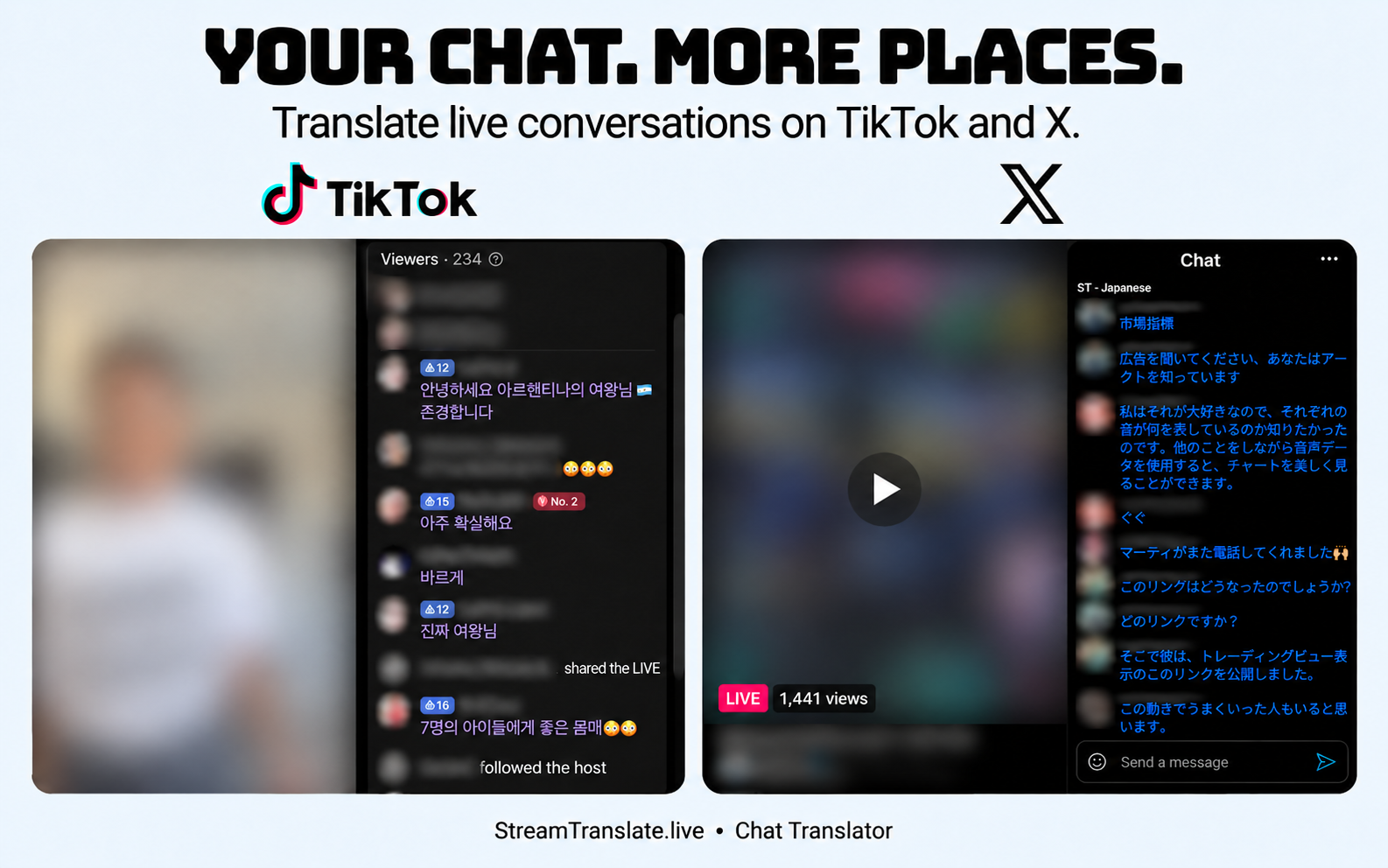
How to translate TikTok LIVE chat
- Open the creator’s TikTok LIVE page in a supported desktop browser. This is not an add-on for the TikTok mobile app.
- Open Chat Translator and enable TikTok LIVE translation. Set your reading language and use Auto-detect for mixed-language comments.
- Choose where translated text appears and a color that stays readable against TikTok’s chat background.
- To reply, draft a message in the LIVE chat input, translate it into your chosen reply language and review it before sending through TikTok.
LIVE comments are not the creator’s speech.
This feature handles written TikTok LIVE chat. It does not translate the video audio, replace TikTok subtitles or translate every caption and comment on the rest of the TikTok site. Creator and platform chat restrictions still apply.
A mobile TikTok app does not load this desktop browser extension. Gifts, join notices and other LIVE system events are different from ordinary chat messages. Translation can be delayed or unavailable, especially for slang and abbreviated messages.
Common questions
Does this work inside the TikTok mobile app?
No. Chat Translator is a desktop browser extension, not a TikTok mobile app integration.
Will it translate the creator’s voice?
No. It translates written TikTok LIVE chat messages and reply drafts, not the stream audio.
Is Chat Translator free?
Yes. The chat extension needs no StreamTranslate account, subscription or API key. Translation uses Google and can be delayed or temporarily unavailable.
What happens to chat text?
After you enable translation, chat text and language choices go directly to Google for translation; Google also receives your IP address. Reply drafts are sent for translation when you press Translate. StreamTranslate does not receive your chat.
Watch on more than one platform?
The same browser extension supports Twitch, YouTube, Kick, X and TikTok LIVE. You do not need five separate extensions.
Independent extension; not affiliated with or endorsed by the streaming platforms. Read the extension privacy policy.