
Same live stream. Your language.
One extension. Five platforms.
These screenshot examples show incoming chat translations. Video and identities are blurred.
Get started belowStreamTranslate.liveTranslate written live chat and reply drafts on Twitch, TikTok LIVE, X, YouTube and Kick with a free desktop browser extension. No account, payment card or API key required.
 Twitch
 TikTok LIVE
 X / Twitter
 YouTube
 Kick
One extension. Five platforms.
These screenshot examples show incoming chat translations. Video and identities are blurred.
Get started belowTwitch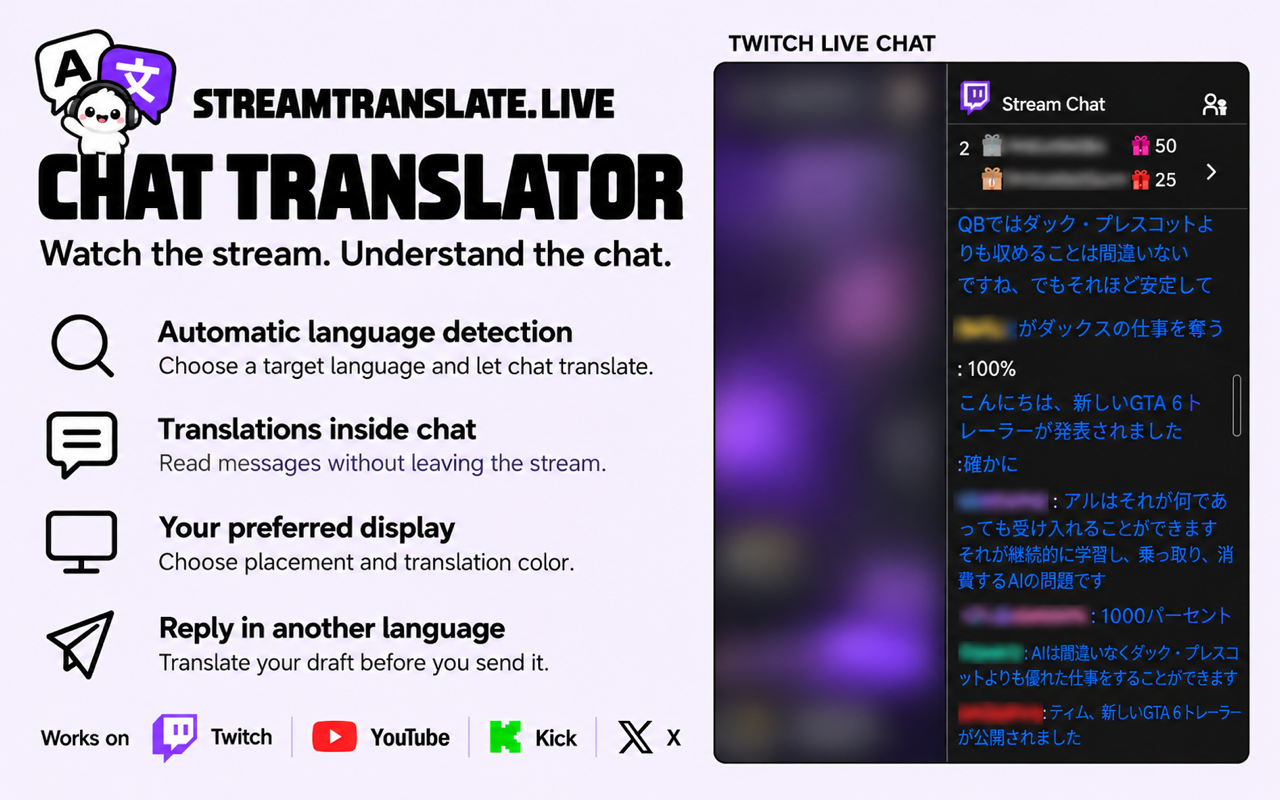
Read along without leaving Twitch.
TikTok LIVE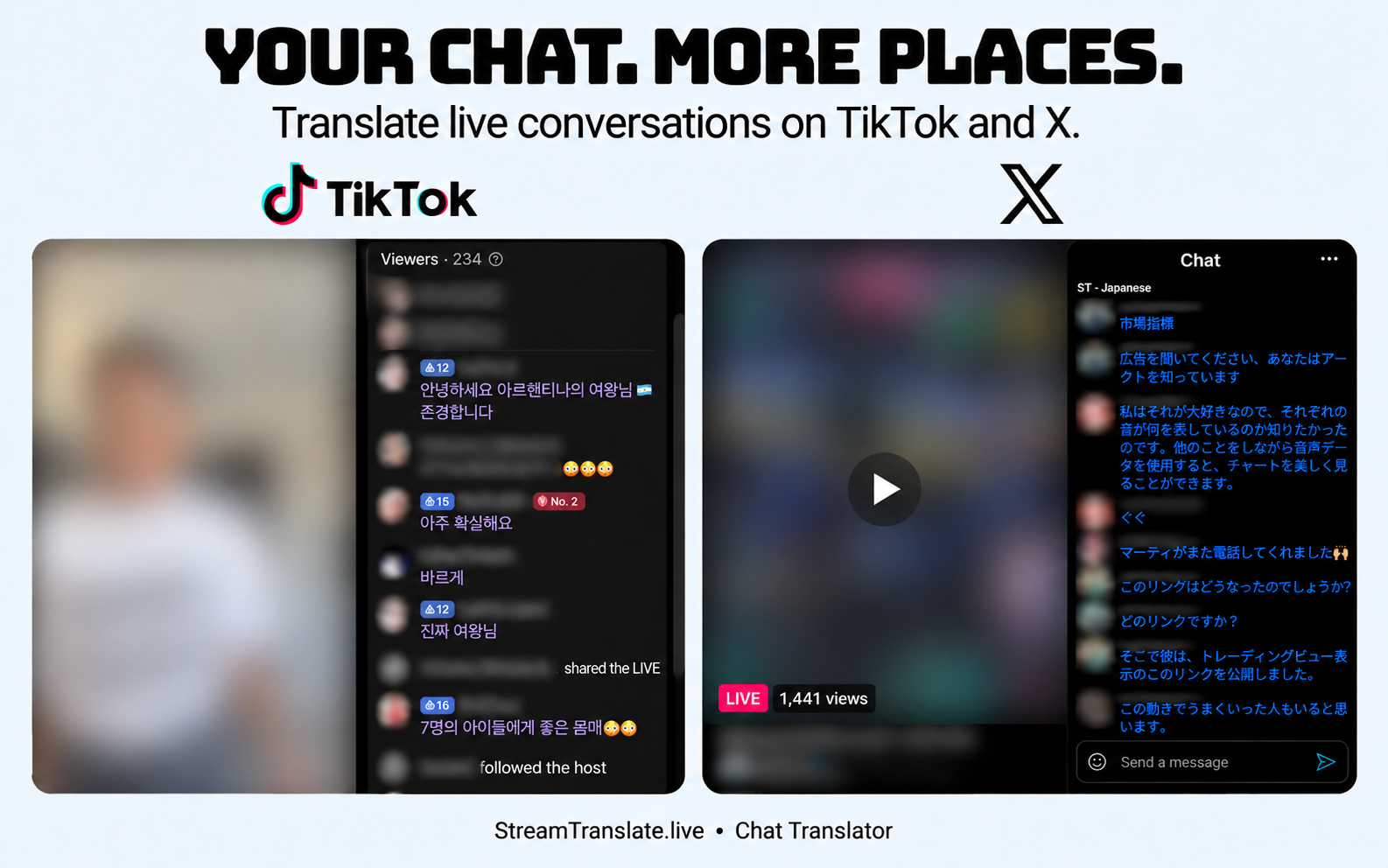
Keep up with the LIVE conversation.
X / TwitterFollow the chat on live broadcasts.
YouTube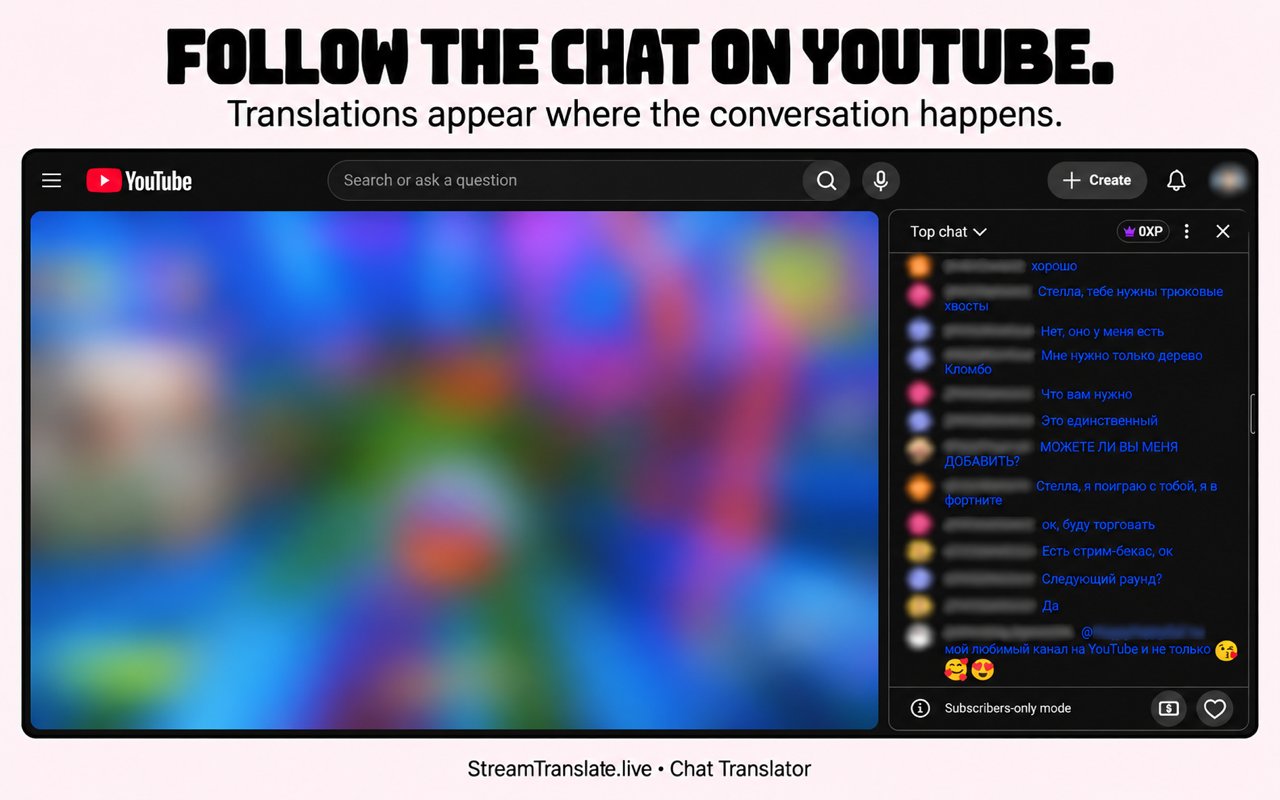
Understand the conversation in live chat.
Kick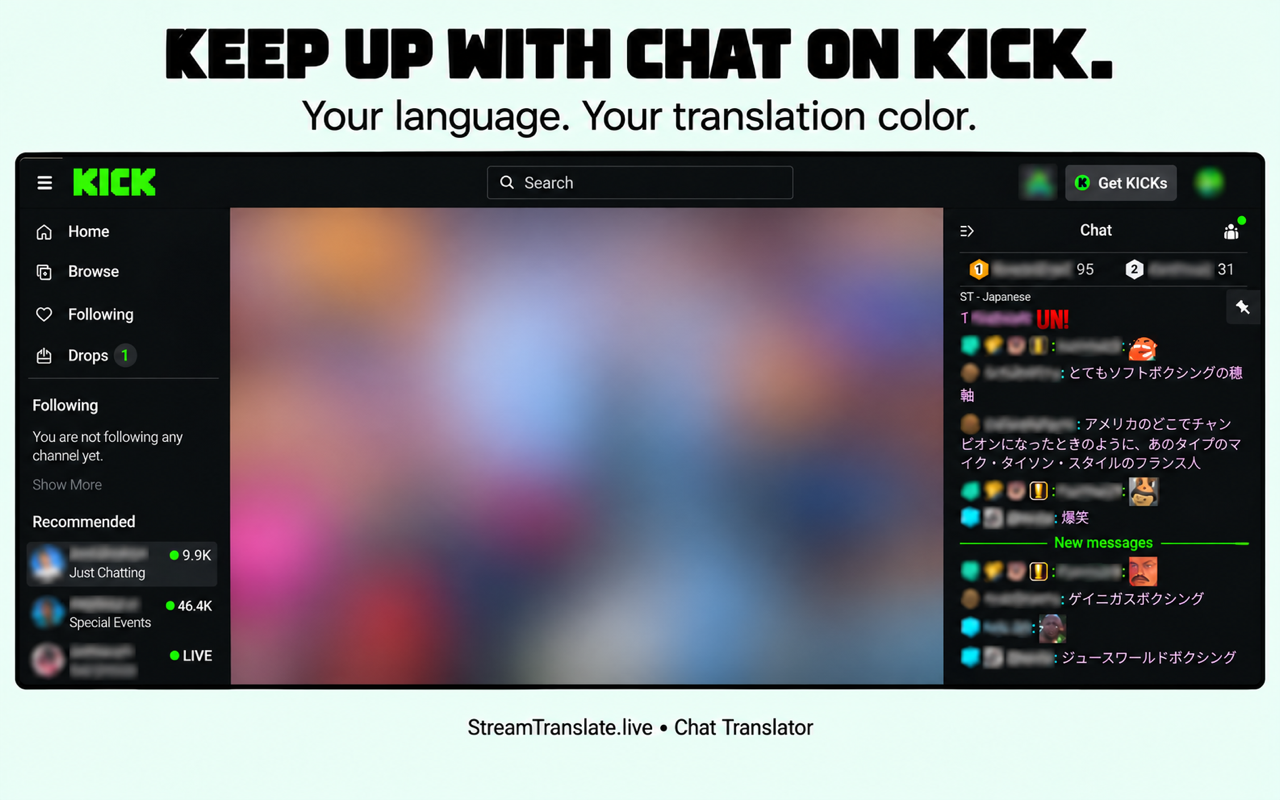
Your chat, in the language you choose.
Live translated captions, multilingual streaming, IRL captions and video translation. Separate tools, for when you need more than written chat.
No. Chat Translator translates written messages and reply drafts. To caption audio while watching a stream, see Watch Party, included with Elite. Broadcasters can use live translated captions for their own streams.
Twitch, YouTube live chat, Kick, X (Twitter) broadcasts and TikTok LIVE in supported desktop browsers. It does not translate entire timelines, X Spaces audio or platform mobile apps.
Yes. The chat extension does not require an account, subscription, API key or payment card. StreamTranslate’s live captions, Elite Watch Party and video translator are separate products with their own pricing.
After you enable translation, chat text and language choices go directly to Google for translation; Google also receives your IP address. Reply drafts are sent for translation only when you press Translate. StreamTranslate does not receive your chat.
No. Slang, emotes and abbreviated messages can be difficult to translate. Translations may be delayed or temporarily unavailable.
Independent browser extension. Not affiliated with or endorsed by Twitch, YouTube, Kick, X or TikTok.
Compare written-chat translation with live audio captions · Explore all Studio tools