 StreamTranslate.liveChat Translator
Read X broadcast chat in your language.
A live broadcast on X can bring together viewers using different languages. StreamTranslate Chat Translator helps you follow the written broadcast conversation in a language you choose, right in your desktop browser.
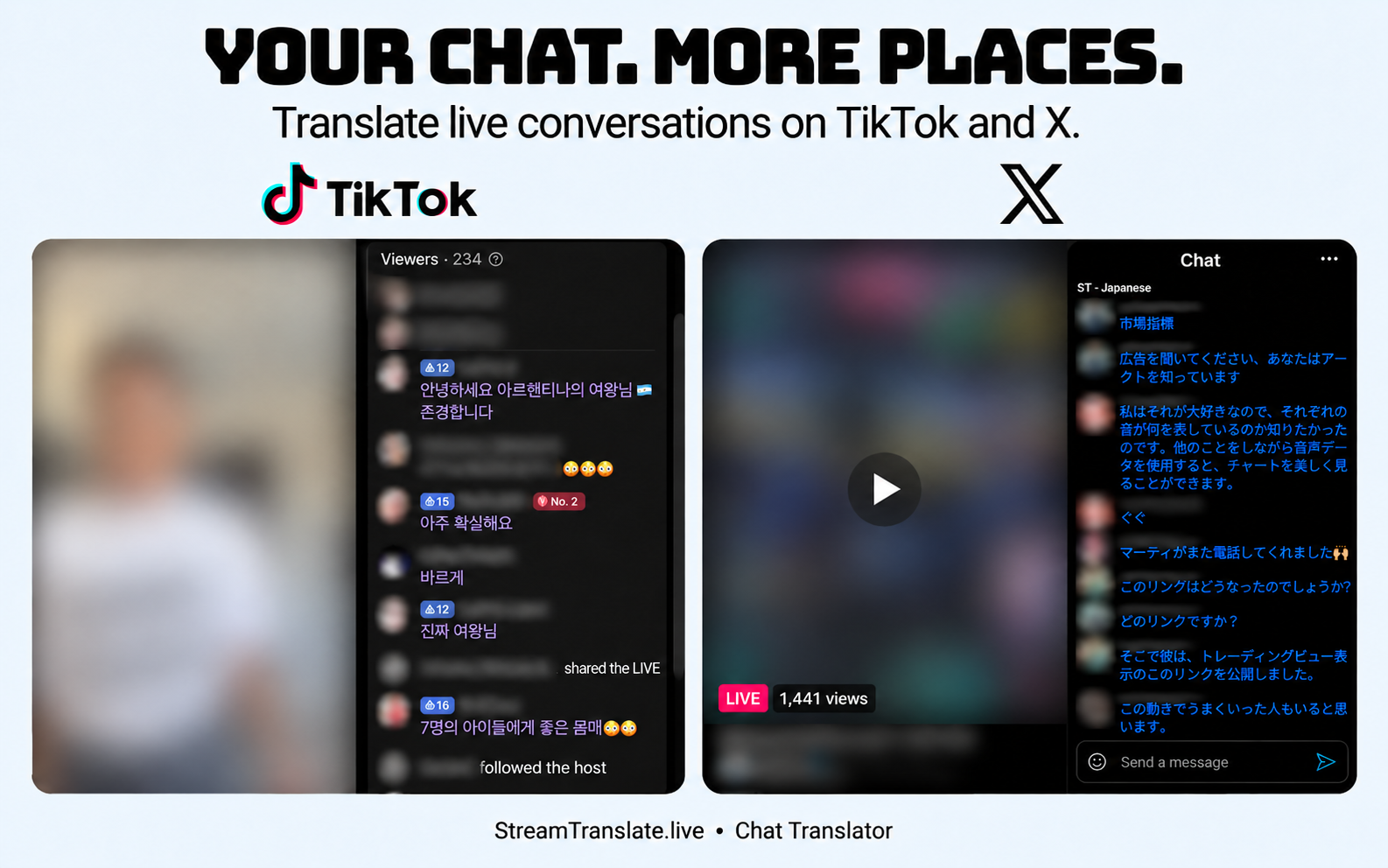
How to translate X / Twitter chat
- Open a supported X live broadcast with its written chat visible in your desktop browser.
- Enable Chat Translator and choose your target reading language. Use Auto-detect for messages in multiple languages.
- Choose translation placement and color so translated messages remain easy to distinguish.
- Where the broadcast allows you to post, translate a reply draft, review it and send with X’s normal controls.
Broadcast chat, not a translator for all of X.
This feature is scoped to supported live broadcast chat. It is not an X Spaces speech translator, a general translator for your timeline or a video-dubbing service. X controls whether a broadcast and its chat are accessible to your account.
Written messages and audio are different inputs. Translation does not unlock a restricted broadcast, bypass platform permissions or turn X Spaces audio into captions. Availability and translation quality can vary.
Common questions
Does this translate X Spaces audio?
No. Chat Translator handles written chat on supported X live broadcasts, not X Spaces audio.
Does this translate every post on X?
No. The supported workflow is live broadcast chat. It is not a whole-site translator for timelines or every reply thread.
Is Chat Translator free?
Yes. The chat extension needs no StreamTranslate account, subscription or API key. Translation uses Google and can be delayed or temporarily unavailable.
What happens to chat text?
After you enable translation, chat text and language choices go directly to Google for translation; Google also receives your IP address. Reply drafts are sent for translation when you press Translate. StreamTranslate does not receive your chat.
Watch on more than one platform?
The same browser extension supports Twitch, YouTube, Kick, X and TikTok LIVE. You do not need five separate extensions.
Independent extension; not affiliated with or endorsed by the streaming platforms. Read the extension privacy policy.