 StreamTranslate
Turn a video link into a portrait clip
Export a vertical MP4 with the original picture centered over a blurred background.
Copy the link to a recorded video
Open the public video on a supported platform and copy the link to that specific video. Use a recording of up to five minutes and 200 MB. A profile, live stream or private post cannot supply the file.
Choose a clip slot
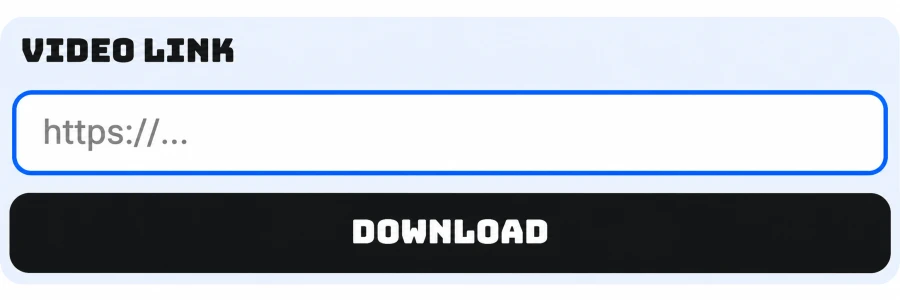
In ClipLab → Clip Downloader, select Clip 1, Clip 2 or Clip 3. Paste the link into Video link and press Download to begin processing.
Wait for the slot to show Ready
Keep the downloader open while the video is prepared. You can switch to another clip slot while it processes. If you see Try again, check that the original link still opens the video publicly.
Save and check the MP4
Return to the ready slot and download the file. The export is a 1080 × 1920 portrait MP4 with the original image centered over a blurred background. Save it while its download link is available.