 StreamTranslate
Translate live chat and your replies
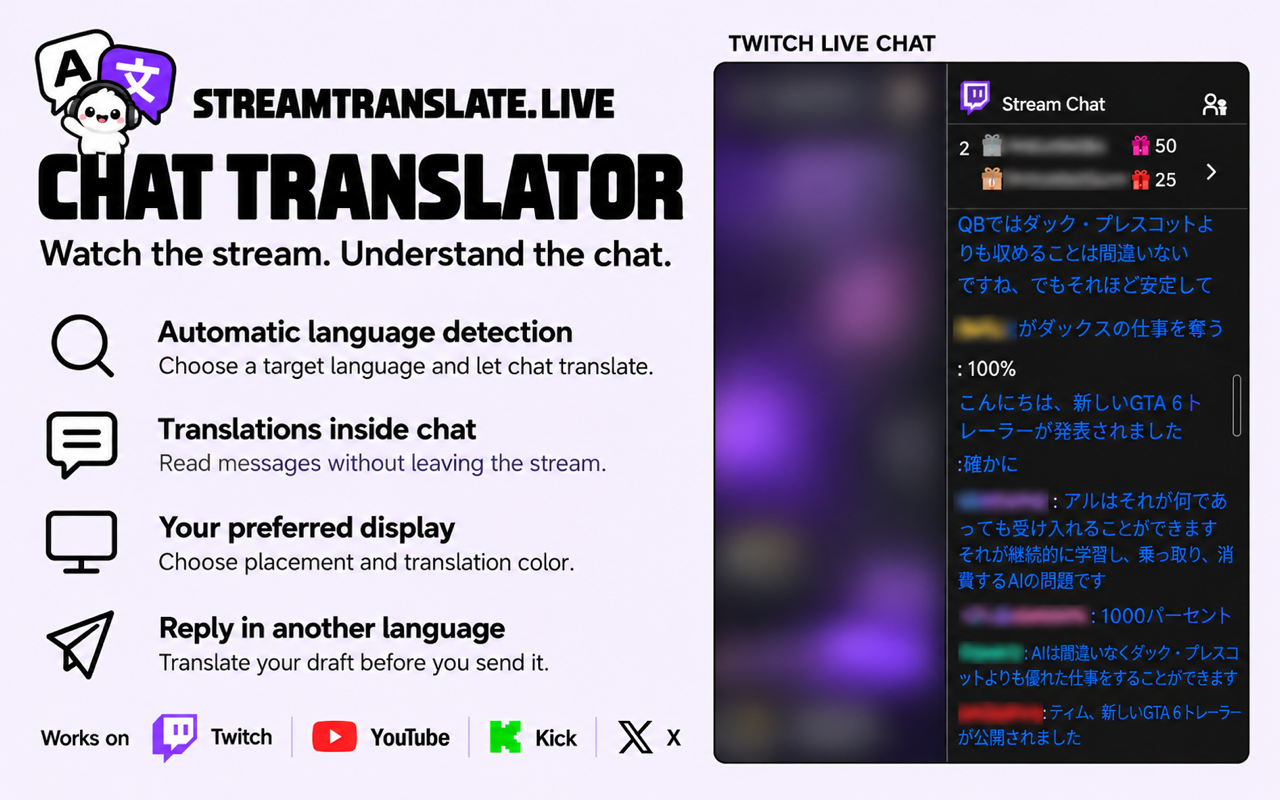
Read a live chat in your language from a supported desktop browser.
Install the desktop extension
Open Chat Translator and select Add to Chrome. Install the extension from its Chrome Web Store listing. The streamer does not have to install anything.
Open a supported live chat
Open a live channel on Twitch, YouTube, Kick, TikTok LIVE or an X broadcast in the same desktop browser. Show the chat and enable Chat Translator. This tool reads written chat messages.
Select your reading language
Choose the language you want to read. Use Auto-detect when chat contains several languages. Choose the placement and color, then wait for a new message to check how the translation appears.
Translate a reply before sending
Type a draft in chat, press Translate and read the result. Edit it if needed, then send it with the platform’s normal send control.